

GoTalk Communication Devices
Shop the full GoTalk range, from single-message buttons to the GoTalk 20+ and GoTalk Connect. Try before you buy at our Adelaide showroom, with support from our AAC team.
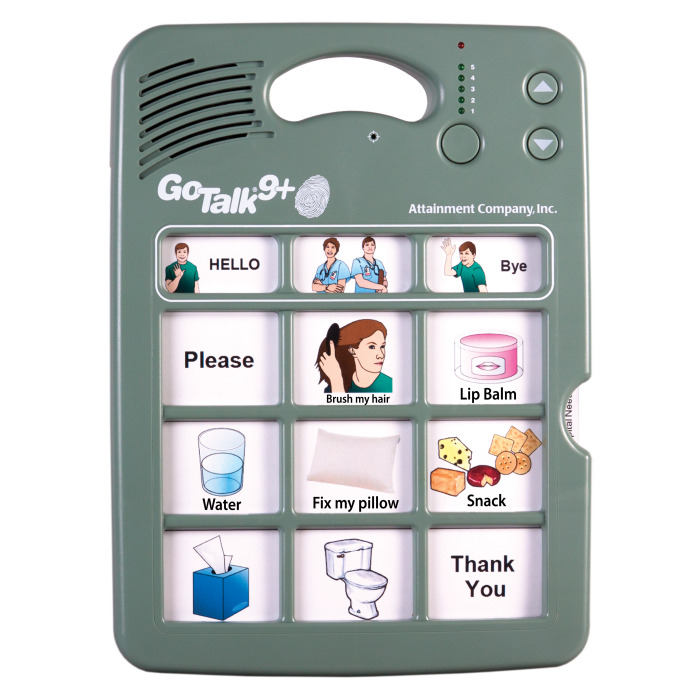
GoTalk AAC devices at NovitaTech
GoTalk devices are simple, durable voice output communication aids. You record messages in your own voice, or the voice of someone the same age and gender as the user, and add pictures or symbols to the overlay. Press a button and the device speaks the message. It’s a quick, reliable way for people with little or no speech to make choices, ask for things, join in and be heard.
GoTalk devices are often called low-tech or mid-tech AAC (augmentative and alternative communication). Most don’t need an app, Wi-Fi or a charged tablet, so many families, schools and therapists use them alongside a PODD communication book or before moving to a high-tech speech generating device.
NovitaTech stocks the complete GoTalk range. Shop online, or visit our Hindmarsh showroom in Adelaide to compare devices side by side.
Compare the GoTalk range
Every GoTalk records in any language or dialect. Message numbers are the maximum each device stores.
| Model | Messages | Recording | Good to know |
|---|---|---|---|
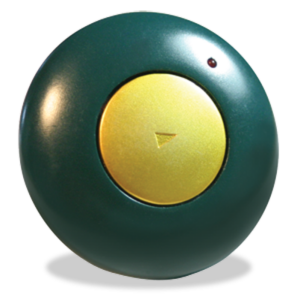
| GoTalk Button | 1 | 10 seconds | Magnetic back. Prompts and reminders around a room |
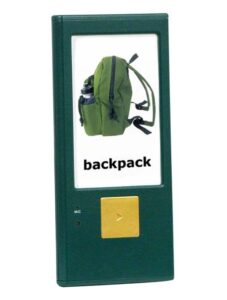
| GoTalk One | 1 | – | Large picture display. First words and single choices |
| GoTalk Duo | 1 or 2 | – | Simple yes/no or two choices |
| TalkBook Four | 4 | – | Four GoTalk Ones in a folder. Sequences and steps |
| GoTalk Fit | Up to 27 (9 x 3 levels) | 20 seconds per message | Pocket-sized handheld. 2 x AAA |
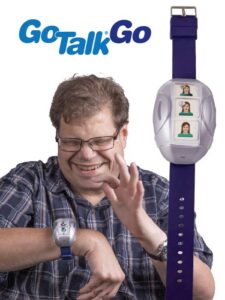
| GoTalk Go | 9 (3 buttons x 3 levels) | – | Watch-sized and wearable. USB rechargeable |
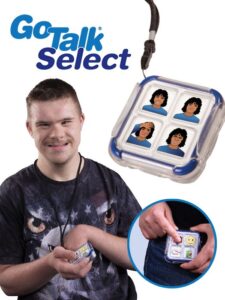
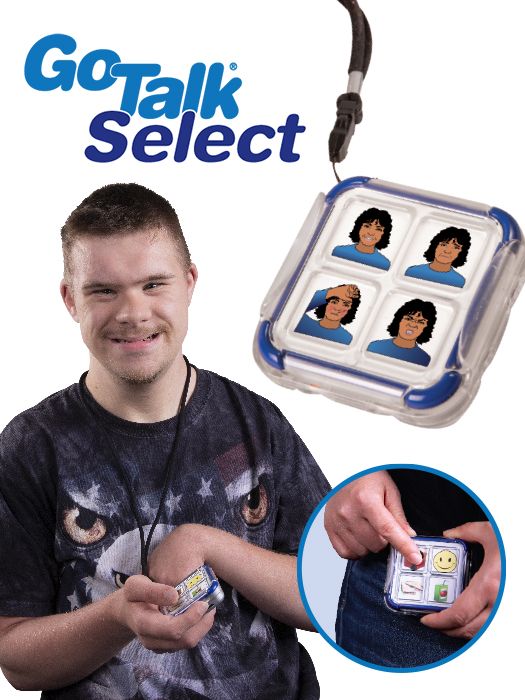
| GoTalk Select | 12 (4 buttons x 3 levels) | – | Clips to a lanyard. USB rechargeable |
| GoTalk 4+ | 20 + 2 core | – | Standard press. First multi-level device |
| GoTalk 4+ Lite Touch | 20 + 2 core | Up to 4.6 minutes total | Light-touch keys. Record and level lock |
| GoTalk 9+ Lite Touch | 45 + 3 core | – | Light-touch keys. Growing vocabulary |
| GoTalk 20+ Lite Touch | 100 + 5 core | – | Light-touch keys. Largest GoTalk+ grid |
| GoTalk Connect | Interchangeable grids | Recorded or text-to-speech | Bluetooth and USB. DESIGN & CONNECT app. Rechargeable |
GoTalk+ devices
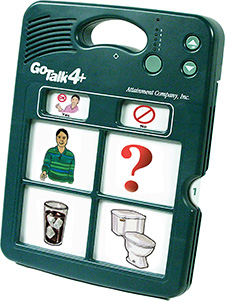
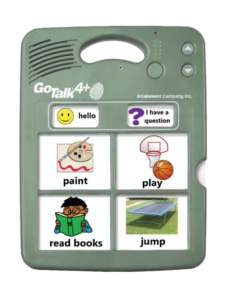
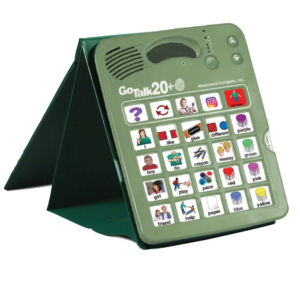
Four, nine or 20 message buttons across five levels, plus core messages that stay the same on every level.

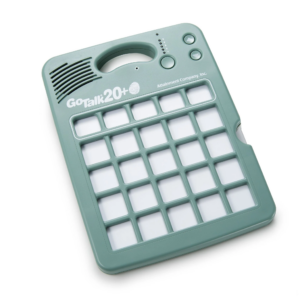
GoTalk Connect
Our most advanced GoTalk, with interchangeable grids, text-to-speech and the DESIGN & CONNECT app.
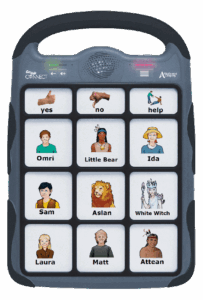
Wearable and pocket GoTalk devices
Take communication everywhere, on a wrist, lanyard or in a pocket.
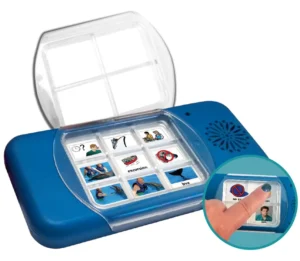
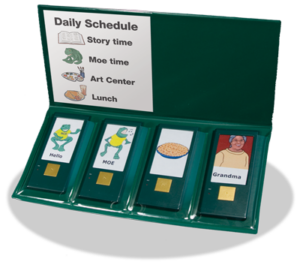
Single and two-message devices
Simple first steps in communication, choice making and step-by-step prompts.
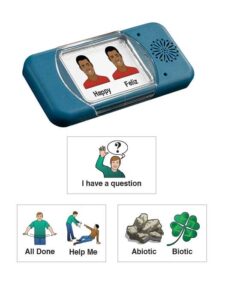
GoTalk accessories
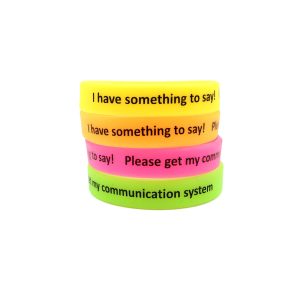
Protect your GoTalk and help users start conversations.
Which GoTalk is right for me?
- Just starting out: the GoTalk Button, GoTalk One or GoTalk Duo are ideal for single messages, greetings and simple choices.
- Making choices during activities: the GoTalk 4+ gives four messages on each of five levels, so you can set up an overlay for mealtimes, play or the classroom.
- Growing vocabulary: the GoTalk 9+ and GoTalk 20+ hold many more messages.
- Limited strength or fine motor control: choose a Lite Touch model, which needs less pressure to activate.
- On the move: the GoTalk Go, GoTalk Select and GoTalk Fit are small enough to wear or carry.
- Want to create and share overlays digitally: the GoTalk Connect works with the GoTalk DESIGN & CONNECT app.
Not sure? Our AAC team can help you choose, and you can book a trial first.
Getting the most from a GoTalk
- Record real-life messages. Use words and phrases the person actually needs, like “I want more”, “help please” or “my turn”.
- Use core messages. On GoTalk+ devices, core buttons stay the same on every level. They’re great for words like “yes”, “no”, “stop” or “something’s wrong”.
- Make overlays for each activity. Change the overlay and level for mealtimes, school, shopping or play.
- Model, model, model. Press the buttons yourself while you talk, so the user sees how and when to use them.
- Keep it close by. A communication device only helps if it’s within reach. A GoTalk carry stand keeps GoTalk+ devices protected and upright.
Our team also runs training for families and carers, and can help with switch access if pressing buttons is difficult.
Try before you buy
See and try GoTalk devices at our Hindmarsh showroom, or book a product trial to use one at home or school first.
Expert AAC support
Our AAC team helps people choose, set up and use communication devices, from GoTalks and PODD books to Jabbla speech generating devices.
NDIS funding
NovitaTech is an NDIS registered provider. Many GoTalk devices may be bought with NDIS funding for low-cost assistive technology. Learn how to pay online with the NDIS.
GoTalk frequently asked questions
What is a GoTalk?
A GoTalk is a portable voice output communication device. You record messages onto the device’s buttons and place pictures or symbols on an overlay. When the user presses a button, the device plays the message out loud.
What is the difference between the GoTalk 4+, 9+ and 20+?
The number is how many message buttons are on each level. All three have five levels. The GoTalk 4+ stores 20 messages plus 2 core messages, the GoTalk 9+ stores 45 plus 3 core, and the GoTalk 20+ stores 100 plus 5 core.
What does Lite Touch mean?
Lite Touch models need less pressure to activate a message, which can help people with reduced strength or limited fine motor control.
Can I record in languages other than English?
Yes. GoTalk devices play back whatever you record, so you can use any language or dialect.
Can I use NDIS funding to buy a GoTalk?
Many people use NDIS funding for low-cost assistive technology to buy a GoTalk. Check what’s included in your plan, or talk to your support coordinator or therapist. Learn more in our guide to assistive technology and the NDIS.
Can I buy a GoTalk online?
Yes. You can order any GoTalk device through our online store. If you’re in Adelaide, you can also visit our showroom at 31 Manton Street, Hindmarsh to try them in person.
Talk to our AAC team
Not sure which GoTalk is right for you or your clients? Send us a message and we will be in touch. Prefer to talk? Call (08) 8424 6160.