

Cura1 Falls and Safety Monitoring
Bed, chair and floor sensors, falls monitors, pagers and nurse call accessories from Cura1, for aged care, hospitals, disability services and home care. Expert advice from NovitaTech, with delivery Australia-wide.
How a Cura1 system works
Every Cura1 set-up has three parts. Choose a sensor for the situation, connect it to a monitor or transmitter, and decide how carers should be alerted.
A sensor detects
A pad, mat or sensor notices when someone gets up, steps onto the floor, opens a door or presses a call button. See which sensor to choose.
A monitor or transmitter sends the alarm
Wired sensors plug into a bedside falls monitor. Cordless sensors use a small transmitter to send the alarm wirelessly, so there are no cords to trip on.
A carer is alerted
The alarm can sound at the bedside, go to a pager or console, or connect into your existing nurse call system. See alert options.
Wired systems
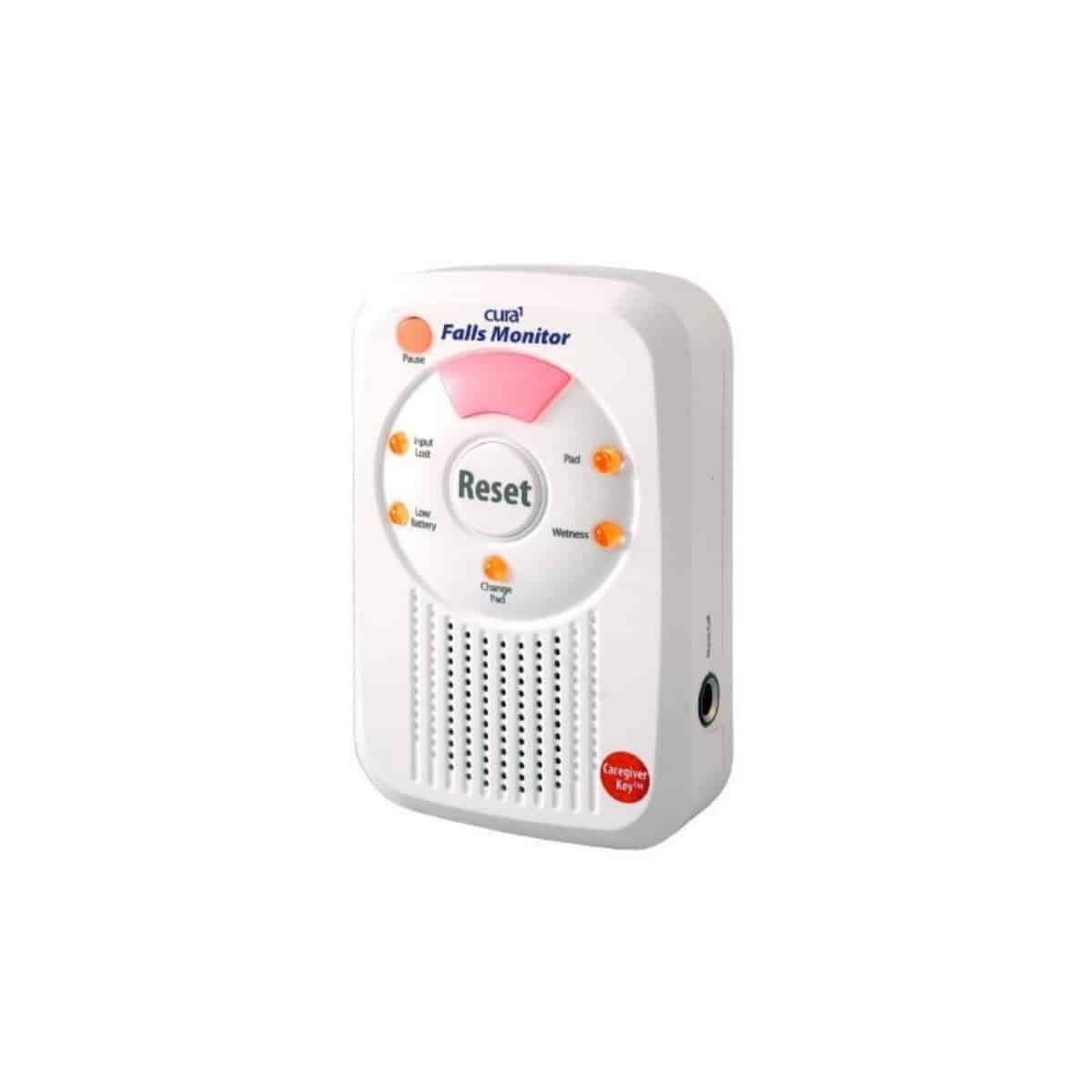
Pads and mats connect to a bedside monitor such as the Standard Falls Monitor with SafeTime (2701) with a break cord. The break cord is designed to come apart if pulled, protecting the monitor. The monitor can sound its own alarm and connect to a nurse call system.
Good for: a single room, or facilities with an existing nurse call system.
Cordless systems
Pads and mats pair with a transmitter such as the Cordless Pad Transmitter (2719) and send the alarm to a 3 Channel Cordless Monitor (2702), 6 Channel Cordless Falls Monitor (2700), FallAlert Cordless Multiport Expander (2544) or FallAlert ActiveCare Monitor (3500R) with pagers.
Good for: reducing trip hazards, moving sensors between rooms, and alerting staff wherever they are.
Which sensor for which situation?
Not sure? Tell us about the person and the setting, and we will recommend a set-up.
How carers are alerted
Compatibility guide
Cura1 sensors come in ranges with different connectors. Match the range to your monitor or receiver:
- Universal pads and mats (USB-mini connection): fitted with a Universal Cordless Pad / Mat Transmitter (2720), they work with Cura1 cordless receivers, including the 6 Channel Cordless Falls Monitor (2700), FallAlert Cordless Multiport Expander (2544), Cordless Multiport Expander with Bracket Mount (2549), FallAlert ActiveCare Monitor (3500R), ActiveCare LCD Pager (3501) and ActiveCare LED Pager (3508). With a USB-mini to RJ10 break cord, they work with Premium monitors and receivers such as the Standard Falls Monitor with SafeTime (2701).
- Cordless pads and mats: use the Cordless Pad Transmitter (2719).
- Premium and SafeTime pads (USB-B connection): connect to your monitor or nurse call with a USB-B break cord, such as the Replacement Break Cord USB-B to RJ10 Plug 2m (2480).
- Economy mats (USB-A connection): use a USB-A break cord, such as the Replacement Break Cord USB Type A to Right Angle 6.35mm Mono Plug 3m (T & S) (4150).
Cura1 publishes detailed compatibility matrices. Or tell us the model of your monitor or nurse call system and we will confirm what works with it.
Cable guide
- Break cords connect a pad or mat to a monitor or nurse call. Choose the end that matches your pad (USB-A, USB-B or USB-mini) and the end that matches your equipment (RJ10, RJ12, RJ45, 6.35 mm, 3.5 mm or RCA).
- Nurse call cables connect a falls monitor to a nurse call system, for example the Nurse Call Cable 6.35 mono to 6.35 mono.
- Curly cords connect the Cordless Multiport Expander with Bracket Mount (2549) to a nurse call system.
- Y leads connect two devices to one nurse call input, for example the Y Lead 2 x 6.35 mm Stereo Sockets to 6.35 mm Stereo Plug (2449).
What do (T & S), (T & R) and (R & S) mean?
They show which two contacts on a stereo jack plug carry the alarm signal: T = tip, R = ring, S = sleeve. Your nurse call system’s input decides which you need. RJ cables list the wired pins instead, for example “pins 4 and 5”.
To check an existing set-up, use the Cable Tester (2537) or FallAlert Nurse Call Tester (2551). If you are unsure, send us a photo of the plug and the socket and we will help.
Funding
Falls monitoring equipment may be funded through an NDIS plan (assistive technology) or aged care programs such as Support at Home, depending on the person’s needs and goals. Read our Support at Home assistive technology guide or see funding options.
Facilities can request a quote for multiple rooms.
Talk to our team
We can help you choose sensors, check compatibility with your nurse call system and quote for a whole facility.